
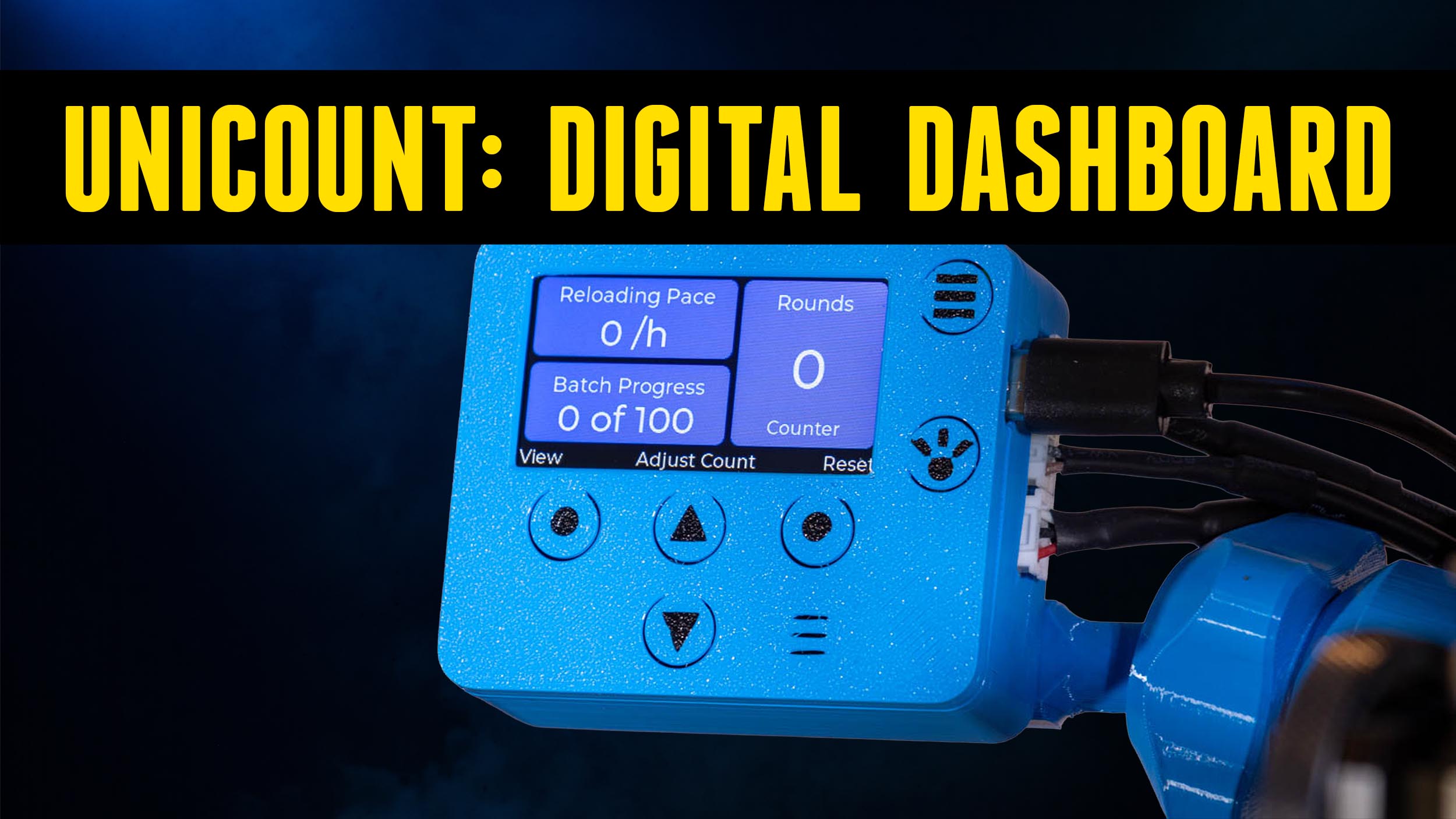
The Armanov Unicount Round Counter counts your rounds as they come off the press, but it also does a whole lot more. We’re going to look at two versions of the Unicount round counter kit and install them on two different presses already upgraded with other premium Armanov components: the Frankford Arsenal X-10 and the Dillon XL 750.
Disclaimer
Ultimate Reloader LLC / Making with Metal Disclaimer: (by reading this article and/or watching video content you accept these terms). The content on this website (including videos, articles, ammunition reloading data, technical articles, gunsmithing and other information) is for demonstration purposes only. Do not attempt any of the processes or procedures shown or described on this website. All gunsmithing procedures should be carried out by a qualified and licensed gunsmith at their own risk. Do not attempt to repair or modify any firearms based on information on this website. Ultimate Reloader, LLC and Making With Metal can not be held liable for property or personal damage due to viewers/readers of this website performing activities, procedures, techniques, or practices described in whole or part on this website. By accepting these terms, you agree that you alone are solely responsible for your own safety and property as it pertains to activities, procedures, techniques, or practices described in whole or part on this website.
What’s in the Box?
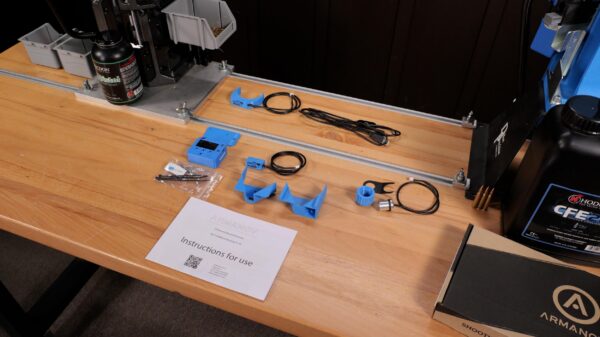
Whether you are looking at the X-10 kit or the Dillon XL 750 kit, the core components are largely the same.
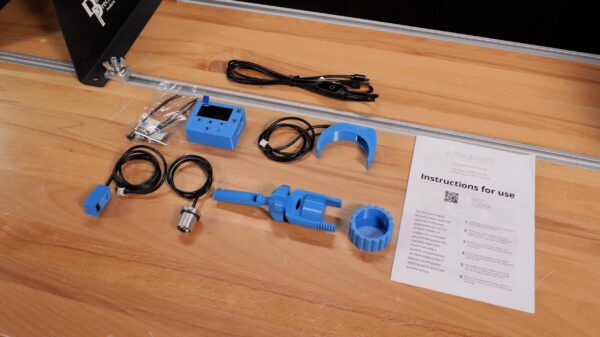
The kits include:
- Unicount display (the brain of the unit)
- Mounting hardware (tailored to either the X-10’s square pole with a T-track or the Dillon’s round pole)
- Output chute
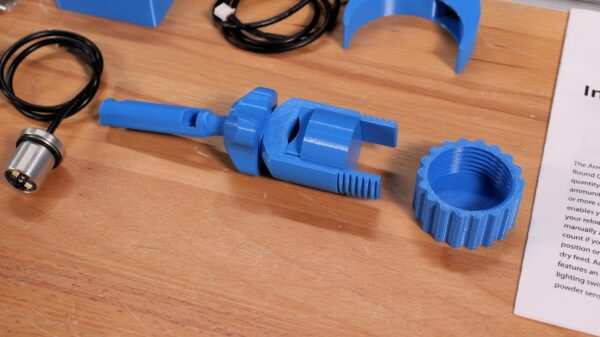
- Round count output sensor (which physically senses the completed rounds falling)
- Backer plate
- Optical low powder sensor
- USB-C power cord with a touch switch
- LED light assembly
Installing on the Frankford Arsenal X-10
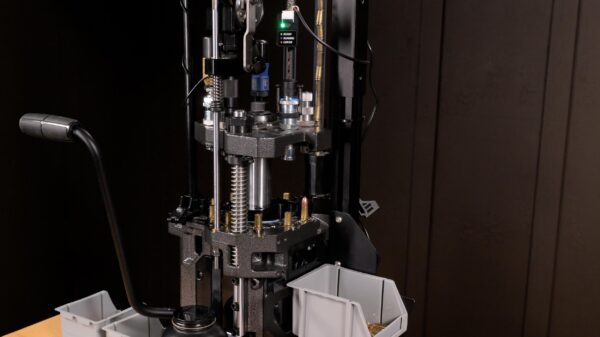
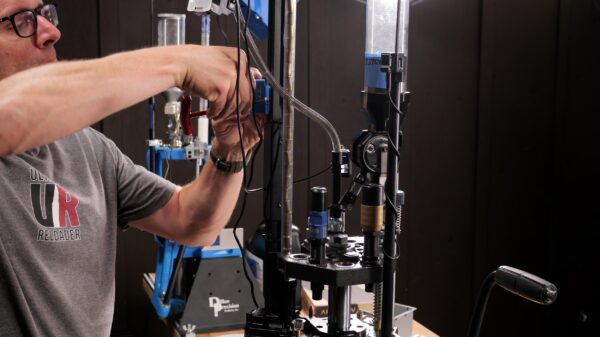
Following the instructions, the first step is to assemble the bracket and mount the Unicount display. On the X-10, the bracket slides easily onto the square pole’s T-track.
Next, I attached the round count sensor directly to the completed round funnel, sliding the two sides of the funnel together.
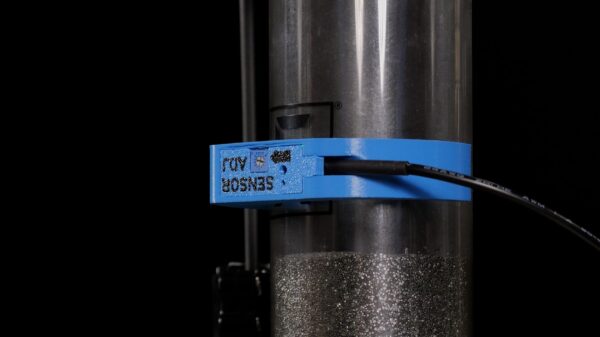
The optical low powder sensor was incredibly simple to mount—it essentially just snaps right into place on the powder measure.
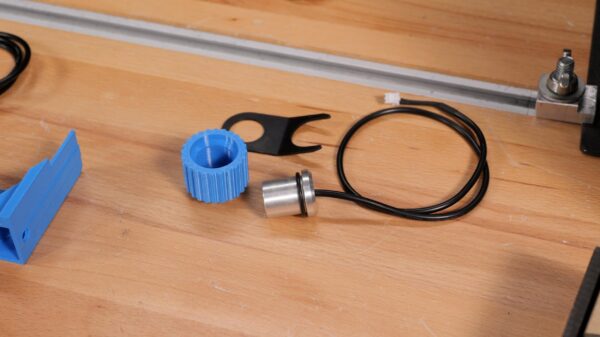
To mount the LED light, I positioned the bracket underneath the toolhead lock nut, dropped the light through, and popped an O-ring on top to hold it perfectly in place to illuminate the powder drop station.
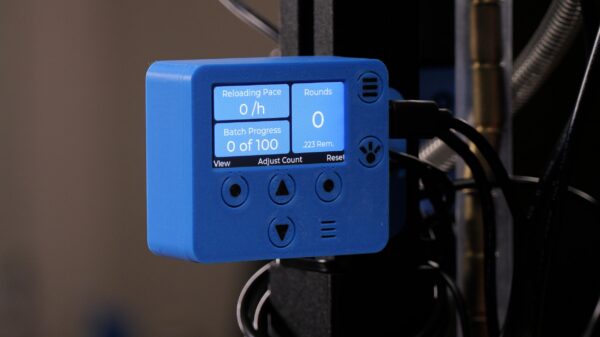
Finally, I plugged all three cables (the powder sensor on the bottom, the light in the middle, and the round counter on top) into the side of the display unit and connected the USB-C power cable to a 5-volt wall brick.
Sensor Adjustment and Loading
With everything powered up, it’s critical to adjust the sensitivity of the sensors using a precision screwdriver. For the powder sensor, you want to adjust the screw until the sensor displays a green light when powder is present and triggers the alarm when there is no powder.
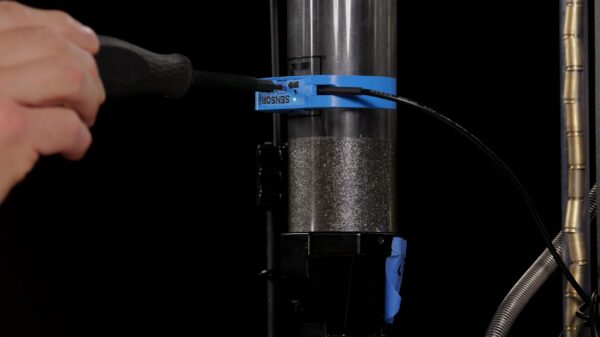
The round counting sensor by the output chute is a bit more sensitive to adjust. You simply back the screw off until it is off, then slowly adjust it until dropping a completed round triggers the green light and the audible beep.
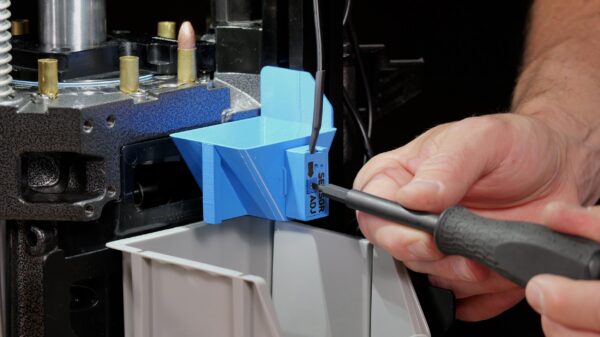
While running the X-10, the round counter functioned perfectly. As I loaded 10 rounds of pistol ammo, exactly 10 rounds were detected and displayed on the screen.
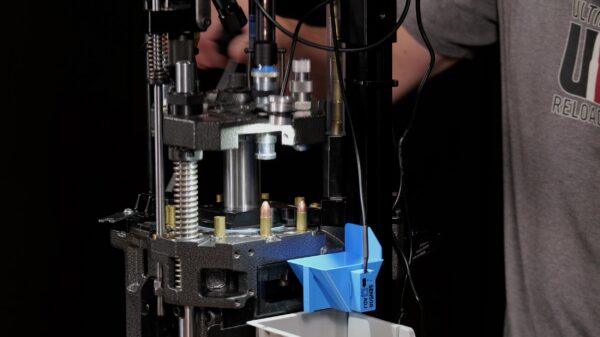
The display also features multiple views and advanced menus.
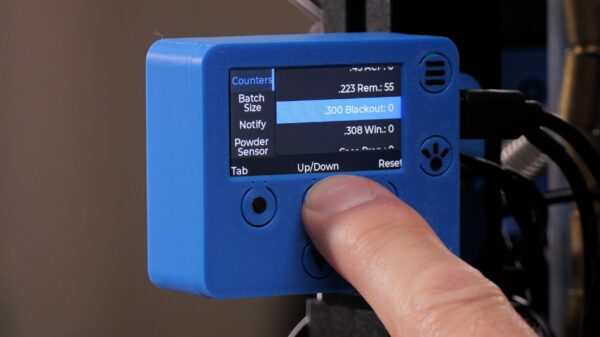
You can set the specific cartridge you are loading, set a batch size (e.g., for boxes of 50 or 100), configure notifications for when you are nearing the end of a batch, toggle the powder sensor alarm, and turn the ultra-bright LED work light on or off.
Installing on the Dillon XL750
The installation on the Dillon XL750 follows an identical process to the X-10, with the only real difference being the mounting bracket designed to grab the Dillon’s round pole.
The powder sensor and light plug right into the display, and a magnet is used to secure the round count sensor right at the completed cartridge output chute.
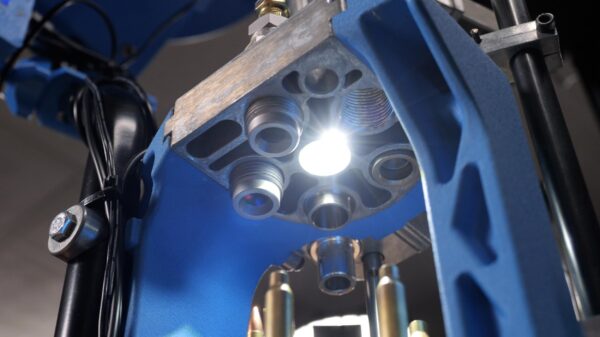
Armanov Round Counter Light Assembly on the Dillon XL750 Press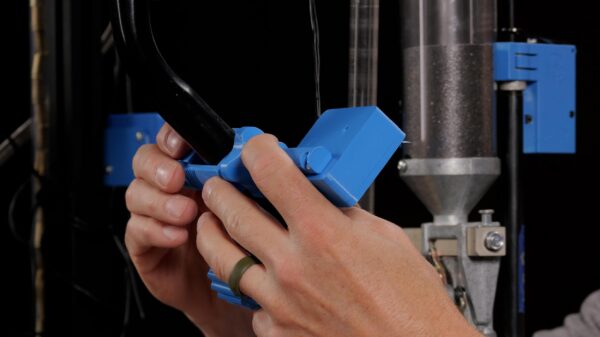
While I was loading rifle cartridges on the Dillon XL750, I noticed another incredibly handy feature: you can manually adjust the round count on the screen at any point. I already had four completed rounds in my bin from setup, so I simply adjusted the counter to “4” before pulling the handle.
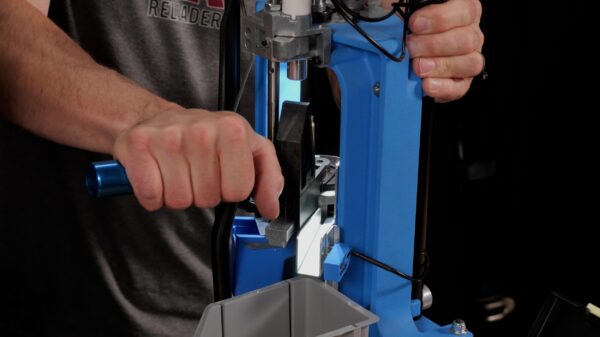
The Unicount also displays your reloading pace in rounds-per-hour (RPH). Because I started with 4 rounds already entered, my initial pace read artificially high. However, as I got into my rhythm (remembering to dwell at the top of the stroke to prevent rifle powder spillage), the pace settled down to accurately reflect my steady state of roughly 360 RPH.
Conclusion
After using the Armanov Unicount on both the X-10 and the XL750, I have to say this is a tool we will be using on a regular basis.
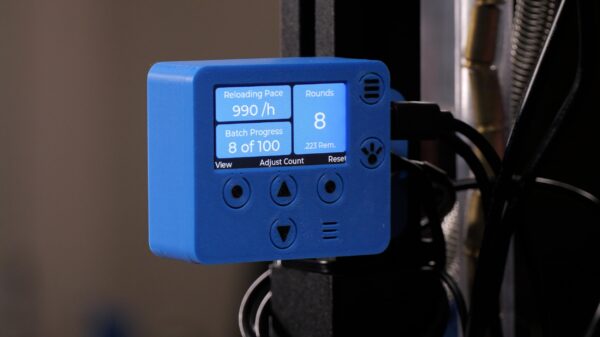
I love having an accurate round count and real-time reloading pace metrics. The included LED work light is awesome, and having a reliable optical low-powder sensor is a feature I’ve wanted for a long time.
Get the Gear
Armanov Unicount Round Counter
Don’t miss out on Ultimate Reloader updates, make sure you’re subscribed!
Thanks,
Gavin Gear
About the author